StorybuttonGo: a little player with big adventure energy
All the MP3-player nostalgia, with stories made for their next adventure.
A pocket-size story player with included adventures and space for your own compatible MP3s. Offline listening is the appeal; the paid app is optional.
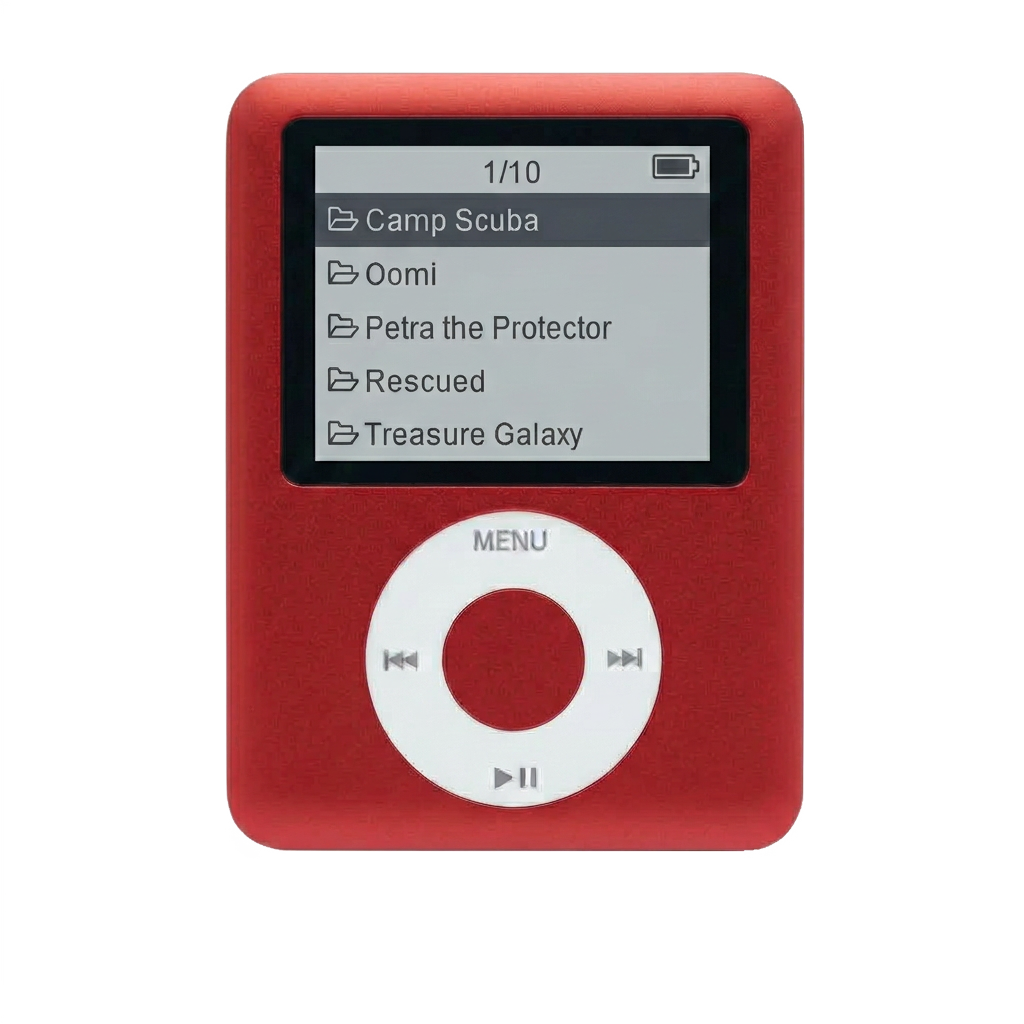
A gadget that keeps things simple? Yes, please.
Remember when a pocket-size player held your favorite songs, rather than your entire social life? That is the feeling behind StorybuttonGo, and there is a lot to love about the idea. Kids choose a story, press play, and carry on building, drawing or staring out the car window.
For the busy, curious years around seven and nine, the appeal is easy to see. They want something that feels like their own. You want entertainment that doesn't turn into another negotiation over videos. A dedicated audio player is a lovely middle ground.
The stories are the exciting part
The current StorybuttonGo lineup advertises 250+ ad-free episodes already loaded, including Miles the Brave, Critter Protectors, Wilder Dreams, Pixel Quest and Treasure Galaxy. There is no subscription needed to keep listening to those included recordings.
Think adventurous listening for a nine-year-old who is always dreaming up a new mission, or a story alongside the drawings and pretend play of a seven-year-old. Listen to a few show samples together and let their interests lead.
Made for the “can I bring it?” years
Listening happens offline, from the microSD card. That is the part I find especially appealing: stories can come along without needing the player to connect to Wi-Fi.
There is a small screen for choosing audio, but no video feed to get pulled into. The current listing offers a built-in speaker, wired listening and Bluetooth. Check the exact model before ordering, particularly if you are comparing it with an older unit.
You can bring your own favorites, too
The library doesn't have to stop with the included shows. Add compatible MP3 audiobooks, music or curriculum recordings that you own or are allowed to download. Family recordings could make a sweet addition, too.
An adult will need to help move files onto the card. I would start with one short recording, check that it plays, and then add the rest. One small setup session is much easier than discovering a transfer problem halfway through a road trip.
The app question, answered plainly
The Storybutton app is optional. You can use a computer to add compatible MP3 files without paying for the app. If you prefer its podcast discovery and card-loading tools, Storybutton Pro is listed in the U.S. App Store at $4.99 a month or $34.99 a year, with automatic renewal.
That is a separate purchase from the player. Also, an offline download inside a streaming app isn't necessarily an MP3 you can transfer. Check the actual files before promising your child their whole music library.
What comes in the box?
The listed bundle includes the player, preloaded microSD card, silicone case, wired earbuds, charging cable and USB-C card adapter. Advertised prices are $59.99 for 32GB and $74.99 for 64GB.
Follow the included charging directions and keep the little card and adapter somewhere easy to find. Other podcasts you add may contain ads, even though the included Originals are ad-free.
The parent appeal
A pocket full of stories, room for their own favorites, and a little independence: that is a pretty delightful combination. StorybuttonGo is worth a look for families wanting more listening alongside everyday play. Choose it for the stories and offline simplicity, and decide separately whether the optional app is useful to you.
Manufacturer information checked 6 October 2026. Features, availability and offers can change.